Learn music
Book a trial lesson Pick a date and time that suits you Courses See which courses you can take Enrollment Enroll after the trial lesson Gift voucher Give music lessons as a giftMaking beats
Learn to make beats with a producer at your side. Whether you just installed FL Studio or have been stuck in Ableton for months: you work on your own track and go home with something that sounds good.
Why not just YouTube?
Tutorials teach you buttons. A teacher listens to your beat and hears why the drums don't hit, why your loop gets boring after eight bars, and how to turn an idea into a full song.
You work in your own software, or in the teacher's studio. No software yet? You can start with free programs such as BandLab or GarageBand.
Who is it for?
- ✓ Beginners who have never made a beat
- ✓ Hobby producers who get stuck on melody, drums or the mix
- ✓ Rappers and singers who want to make their own instrumentals
- ✓ Hip-hop, trap, house, techno, lo-fi or something else entirely
What do you learn?
Your teacher tailors every lesson to what you want to make.
Programming drums
Kicks, snares and hi-hats that groove, with swing and variation.
Melody and chords
A hook that sticks, even if you don't know music theory.
Sound design
Picking samples, making chops and building your own sounds.
Arranging
From an eight-bar loop to a track with a build-up and drop.
Mixing
Making your beat sound clear and full, on your headphones and in the car.
Your own DAW
FL Studio, Ableton, Logic or free software: you learn to work with what you use.
Start with three lessons
You don't have to commit right away. With prepaid lessons you schedule each lesson separately, for example a few lessons for one track. Want regular lessons? Choose a subscription with a one-month trial.
To get started
Prepaid lessons
- ✓ You schedule each lesson separately, whenever it suits you
- ✓ 3, 6, 12 or 24 lessons, valid for 2 years
- ✓ No subscription, no notice period
After your trial lesson, you choose how to continue when you enrol. More about prepaid
Want to keep going
Subscription with a trial month
- ✓ At a fixed time, weekly or every other week
- ✓ The first 4 weeks are a trial month without a notice period
- ✓ After that, cancel with one month's notice
Lessons from €23 per 30 minutes. Every teacher sets their own rate. Have a question, or something else in mind? Send the teacher a message through their profile.
Producers who teach
Click a teacher to see what they make themselves and how they teach.
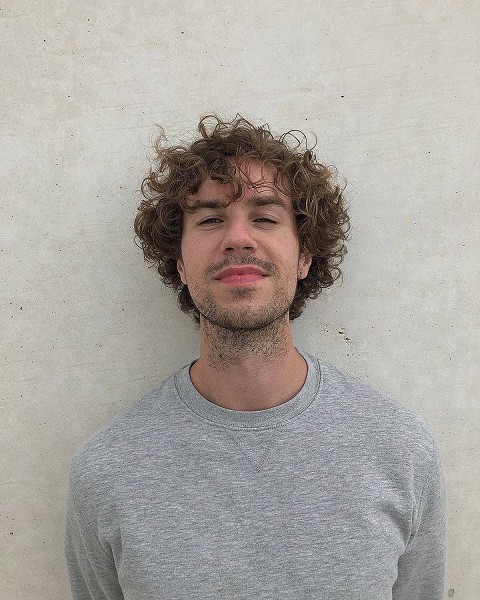
Lucas
Rotterdam
★ 8 reviews
from €0 per 30 min
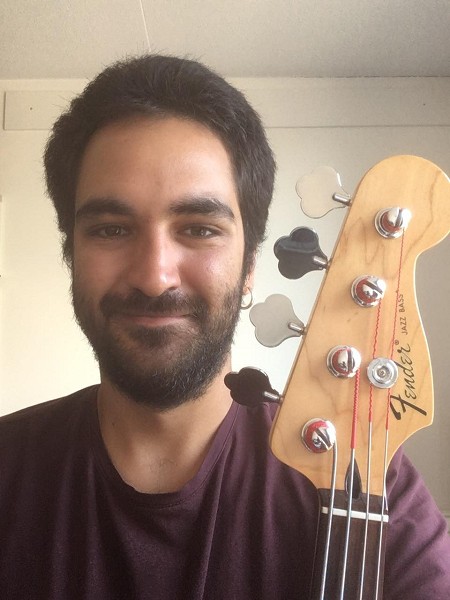
Minas
Utrecht
★ 2 reviews
from €0 per 30 min
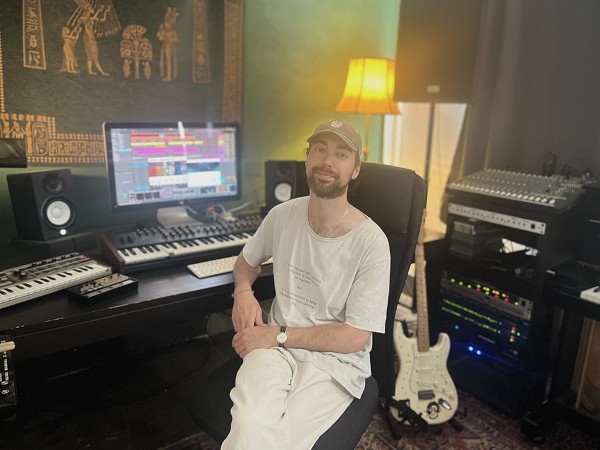
Youssef
Rotterdam
★ 23 reviews
from €0 per 30 min
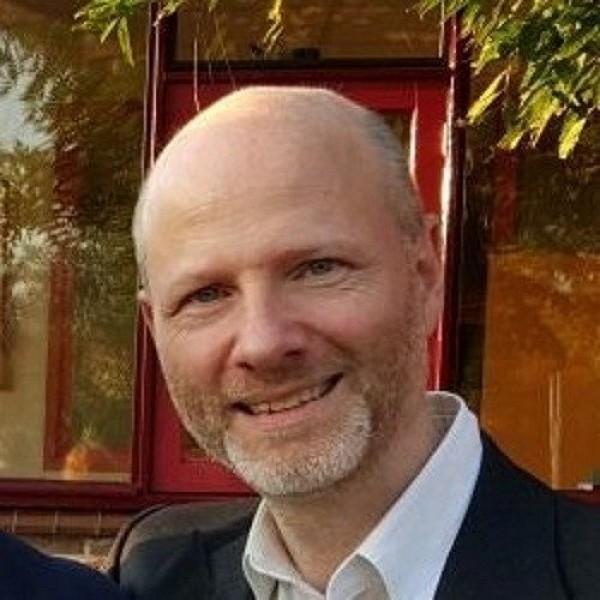
Waldemar
Amsterdam
★ 3 reviews
from €0 per 30 min
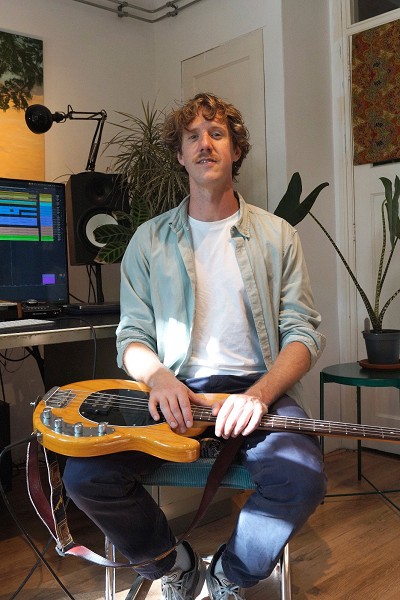
Jeroen
Rotterdam
★ 13 reviews
from €0 per 30 min
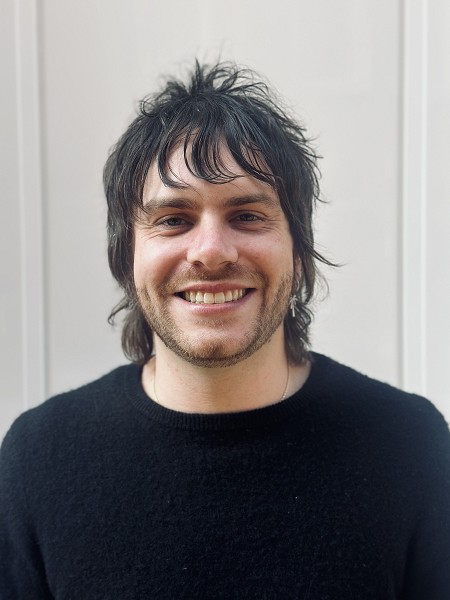
Tyler
Amsterdam
★ 3 reviews
from €0 per 30 min
How to get started
Choose a teacher
Browse the music production teachers and what they make. Look for the genre that suits you.
Book a trial lesson
Bring your beat or your idea. The trial lesson lasts 30 minutes.
Choose how to continue
Prepaid lessons you schedule one at a time, or a subscription with a one-month trial.
FL Studio, Ableton or Logic Pro?
Your teacher teaches you in the software you use. Don't have anything yet? Start for free and only buy something once you know what you are missing. Prices are indicative.
BandLab
Free
Browser, Windows, Mac, phone
To get started, nothing to install.
GarageBand
Free
Mac, iPad, iPhone
Already on every Mac. Your projects open in Logic Pro later on.
FL Studio
From about €99
Windows, Mac
Popular for hip-hop and trap. Pay once, updates stay free.
Ableton Live
€79 / €279 / €599
Windows, Mac
Intro, Standard or Suite. Strong for electronic music and playing live.
Logic Pro
about €230
Mac only
One-off purchase in the App Store. Strong for recording and mixing.
Reaper
about €60
Windows, Mac, Linux
Licence for personal use; try it free for 60 days first.
| Software | Cost | Runs on | Good to know |
|---|---|---|---|
| BandLab | Free | Browser, Windows, Mac, phone | To get started, nothing to install. |
| GarageBand | Free | Mac, iPad, iPhone | Already on every Mac. Your projects open in Logic Pro later on. |
| FL Studio | From about €99 | Windows, Mac | Popular for hip-hop and trap. Pay once, updates stay free. |
| Ableton Live | €79 / €279 / €599 | Windows, Mac | Intro, Standard or Suite. Strong for electronic music and playing live. |
| Logic Pro | about €230 | Mac only | One-off purchase in the App Store. Strong for recording and mixing. |
| Reaper | about €60 | Windows, Mac, Linux | Licence for personal use; try it free for 60 days first. |
When do you need to buy something?
When you start
€0
The laptop and headphones you already have, plus free software. That is all you need for your first lessons.
Once you make beats regularly
€50 – €150
Closed studio headphones, so you hear what is really in your mix. A small MIDI keyboard is handy, but not a must.
Once you start recording
€150 – €300
An audio interface and a microphone, for vocals or an instrument. If you don't record, you don't need them.
Once you get serious about mixing
from €250
Studio monitors (speakers) and possibly paid software or plug-ins. Wait until you know what you are missing.
For children: music production usually works from around age 10, if your child can handle a laptop on their own. Some teachers only take students from 12; their profile says so.
Frequently asked questions
Do I need my own equipment?
A laptop and headphones are enough to start. Software doesn't have to be expensive: BandLab (free, in your browser) or GarageBand (free on a Mac) are fine for making beats. Some teachers teach in their own studio, so you don't need anything yourself.
Which software do you use?
That depends on the teacher. Most work with FL Studio, Ableton Live or Logic Pro. The teacher's profile tells you what they use. Already working in a program? Then you keep learning in that one.
Do I need to know music theory?
No. You learn what you need for your beat, when you need it.
What does it cost?
Every teacher sets their own rate. You start with a 30-minute trial lesson. After that you choose prepaid lessons you schedule one at a time (3, 6, 12 or 24 lessons, valid for 2 years) or a subscription with a 4-week trial month without a notice period. Want something else? Send the teacher a message through their profile.
Can I also take lessons online?
Some music production teachers also teach online. The teacher's profile shows whether that is possible.
You might also like
Ready for your first beat?
Choose a producer who fits your style and book a trial lesson. Bring your laptop or your idea.